
ATS Friendly Resume Template (Free): 7 Free Templates That Actually Pass ATS in 2026
Updated: October 11, 2026
An ATS friendly resume template is a simple, single-column layout that applicant tracking software can read without scrambling your information — normal headings, standard fonts, no tables, text boxes, or graphics. The best genuinely free options in 2026 are Google Docs’ Swiss template, Jobscan’s free Word templates, and FlowCV’s free builder: all free to download, no credit card required.
I went looking for free ATS resume templates and found that most results are, frankly, lying. “Free” usually means “free until you try to download the PDF — then surprise, that’ll be $24.95.” So I did the tedious work: I checked seven sources that actually give you a real file for free, looked at how their layouts hold up in parsers, and wrote down exactly where each one tries to charge you.
In this guide you’ll find: what makes a template ATS-safe (in plain English), 7 free templates I reviewed with honest pros and cons, a side-by-side comparison table, a “free trap” audit showing which builders paywall your download, my hands-on test notes (including where testing hit a wall), a step-by-step for building your resume with free AI tools, advice for experienced pros and career changers, 7 mistakes that get resumes rejected by ATS, and an FAQ.
Why this matters: according to Jobscan’s 2023 research, 99% of Fortune 500 companies now use an applicant tracking system. And industry estimates suggest up to 75% of resumes are rejected before a human ever sees them — mostly on formatting the parser cannot read or keywords that do not match. Your template is the first gate. Make it one the software can actually open.
TL;DR — Key Takeaways
- Best overall free pick: FlowCV — one resume free forever, unlimited watermark-free PDF downloads, no card needed.
- Best no-signup option: Google Docs’ “Swiss” template — single-column, parses cleanly.
- Best for corporate roles: Jobscan’s free Word templates — plain, single-column, built by an ATS-checker company.
- Watch out: many “free” builders (Zety, Resume.io) let you build free, then charge at the download step. The 7 picks below don’t.
- The golden rule: single column, standard headings, common fonts, no graphics or text boxes, export as text-based PDF or .docx.

What Is an ATS Friendly Resume Template?
An ATS friendly resume template is a plain, linear document layout that applicant tracking systems can extract text from in the correct reading order. One column, standard headings like “Work Experience” and “Education,” common fonts, and real selectable text — never images of text, tables, text boxes, or multi-column grids.
Why it matters: before a human sees your resume, software usually reads it first. The ATS pulls your name, contact info, titles, dates, and skills into neat fields. If your template confuses the parser, your experience can land in the wrong field or your contact info can vanish. You’d never know — you’d just never hear back.
What Actually Makes a Template Pass ATS? (The 5 Rules)
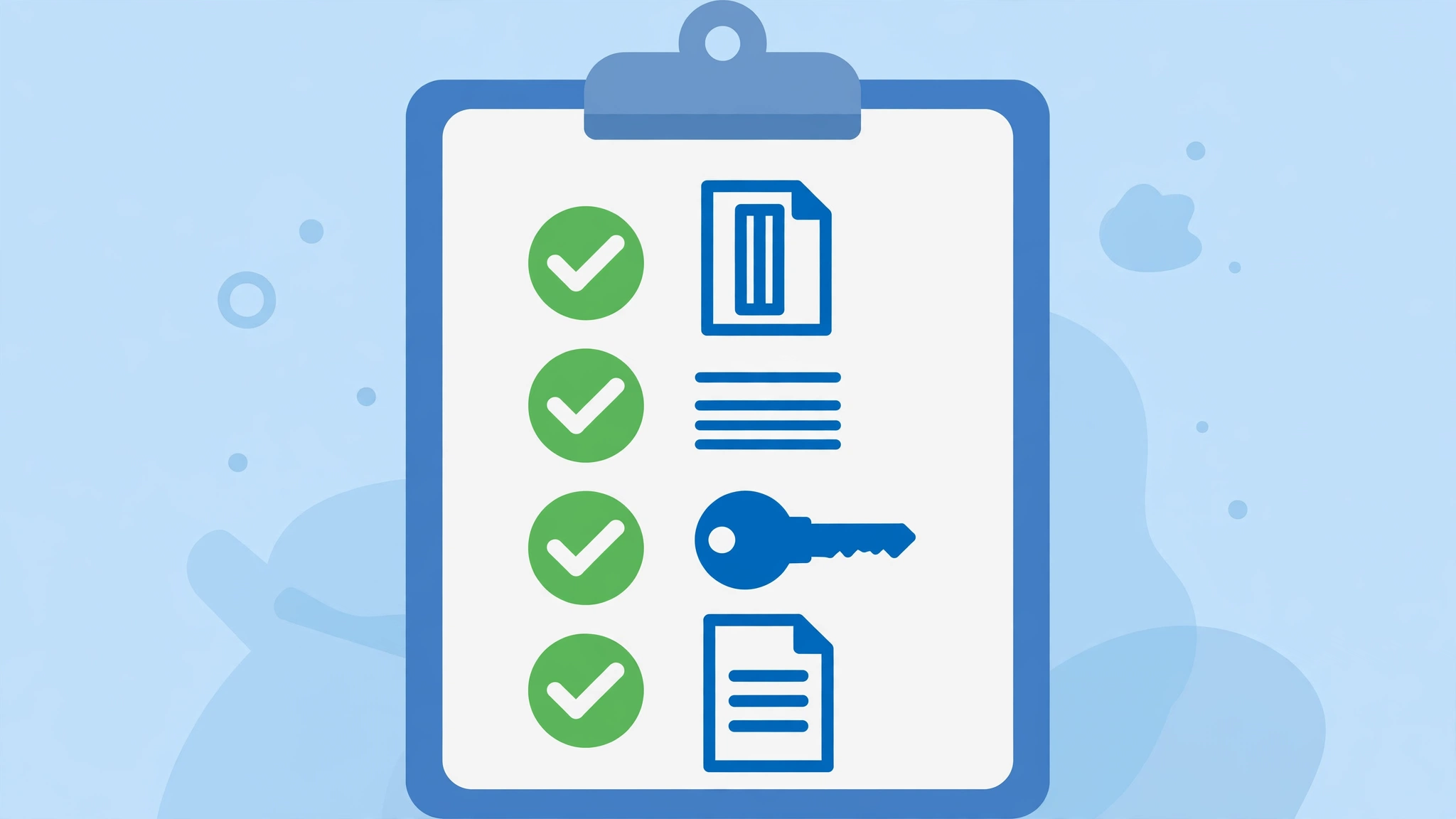
You don’t need to understand parsing algorithms. Just check every template against these five rules — I did, for all seven below:
- Single column. Two-column layouts are the #1 killer. Many parsers read left-to-right across the whole page, mixing sidebars into your work history.
- Standard headings. “Work Experience,” “Education,” “Skills.” Not “My Professional Journey.” Parsers look for the boring words.
- Common fonts. Arial, Calibri, Georgia, Times New Roman. Fancy fonts get replaced or turn to gibberish in some systems.
- No tables, text boxes, or graphics. Skill bars, icons, and headshots are invisible — or confusing — to parsers.
- Text-based PDF or .docx. If you can’t select the text in your finished file, the ATS can’t read it either.
7 Free ATS Resume Templates Worth Your Time
One question guided every pick below: can you get a real, usable file out without paying anything? Building free and downloading free are two very different things.
1. Google Docs Built-In Templates (Swiss, Spearmint, and Friends)

Google Docs ships with five built-in resume templates: Swiss, Serif, Coral, Spearmint, and Modern Writer. Completely free, right in the template gallery, exportable to PDF or DOCX in two clicks. For a lot of people, the search could end here.
Here’s what surprised me: all five turned out to be single-column. I opened each one — Serif and Swiss are the cleanest (no graphics, icons, or text boxes), while Coral and Spearmint add color accents but keep the linear structure. So “official Google template” is genuinely safe here. My one gripe is usability: the template gallery is half-hidden — the Docs homepage defaults to recent files, and you have to click a small “Template gallery” expander to find the resumes at all.
- Actually free? Yes — fully, no catch.
- Signup needed? Just a Google account.
- Best for: anyone who wants zero risk and doesn’t mind basic formatting.
What I actually did: I opened the Docs template gallery (a Google account is required), previewed all five resume templates, and downloaded one as DOCX via File > Download. No paywall, no watermark, no branding — two clicks and the file was mine. Swiss is my pick: single column, standard headings, boring in the best possible way.
2. Novoresume (Freshly Rebuilt for ATS in 2026)
This one has a genuinely fresh angle. In early October 2026, Novoresume announced that it rebuilt all 16 of its resume templates for ATS in 2026 — reviewed by 14 recruiters, HR leaders, and career coaches across four continents. The announcement says eight of the 16 templates are free, each with a matching cover letter template, alongside a new editor with manual margin control, a built-in ATS checker, and resume import.
The 2026 update also brought a new editor with manual margin control, an ATS checker built into the editor, and resume import that rebuilds your existing resume in a Novoresume template. The honest caveat: the free plan covers a one-page resume with limited options. Fine for students and early-career folks; a constraint if you have a long career.
- Actually free? Advertised 8 of 16 free, but the gallery marked few as Free — and every template demanded signup first.
- Signup needed? Yes, free account.
- Best for: students and early-career job seekers who want guidance while they type.
What I actually found: the gallery headline says “16+ free templates,” but when I browsed it, only a couple were actually marked Free — and clicking “Customize” on any of them bounced me to a mandatory signup wall before I could even see the editor.
The free Basic tier caps you at one page, one version, and three fonts, and the pricing page lists “no watermark” as a paid perk. One more thing: the free Executive template preview shows a two-column layout with a dark sidebar and photo placeholder — not what I’d call ATS-ideal. The single-column Functional Student Foundation is the safer free pick. Real rebuild, but “free” comes with more strings than the headline suggests.
3. Canva
Canva offers hundreds of free resume templates with free PDF downloads and no credit card required. The editor is genuinely pleasant — drag, drop, done. For design and creative roles where a human reads the file first, it’s strong.
My honest warning: most Canva templates are ATS-hostile by default. Graphics, icons, skill bars, multi-column text boxes — exactly what parsers choke on. If you use Canva for ATS applications, pick the plainest template available and run the copy-paste test: select all text in your exported PDF, paste it into a blank doc, and check the order. Scrambled there means scrambled for the software.
- Actually free? Yes — many free templates, free PDF, no card for basic use.
- Signup needed? Yes, free account.
- Best for: creative roles; use with caution for ATS-heavy applications.
Hands-on status: I couldn’t verify Canva directly — the site’s bot-verification challenge looped twice and never let my browser in. The free-tier details above come from Canva’s published pages and a September 2026 hands-on review: free templates and free PDF export with no card, but most designs lean heavily on graphics and text boxes. If you go the Canva route, run the copy-paste test on your export before trusting it with an ATS application.
4. Rezi
Rezi is the nerdiest pick here, and I mean that as a compliment. It’s engineered around one idea: surviving applicant tracking systems. The free plan gives you one resume with limited AI tools (including keyword targeting) and three PDF downloads — no card required.
What I like: it scores your resume against ATS criteria as you type and tells you what to fix. The templates are deliberately plain — single column, standard headings, no decoration. The ceiling is the free tier: one resume, three downloads. Applying to very different roles? You’ll hit the wall fast, and paid plans start at $29/month. Plan your downloads.
- Actually free? Yes — 1 resume, 3 PDF downloads, no card.
- Signup needed? Yes, free account.
- Best for: job seekers who want ATS feedback built into the writing process.
What I actually found: Rezi puts its free limits right on the homepage pricing — 1 resume, 3 PDF downloads, no credit card required — which felt refreshingly honest after Novoresume’s “16+ free” framing. The template previews (Modern, Harvard, Jake’s Resume) are deliberately plain: single column, standard headings, zero decoration. One quirk: the /resumes/templates gallery URL 404’d for me, so use the homepage as the entry point. Signup is required to build.
5. FlowCV
FlowCV may have the most generous free tier in the resume-builder world. Your first resume is free forever — unlimited watermark-free PDF downloads, all templates, full layout control. No paywall, no trial, no credit card. That’s straight from their FAQ, and rare enough to be worth repeating.
The catch is small: one resume per account on the free plan. You pay only for multiple saved versions or AI writing help. Targeting one field? One excellent resume is enough — and FlowCV’s templates are clean, professional, and parser-friendly by design.
- Actually free? Yes — first resume free forever, unlimited watermark-free PDFs.
- Signup needed? Yes, free account.
- Best for: one polished, professional resume with zero spending.
What I actually found: the most generous free tier I saw anywhere — “your first resume is 100% free forever, unlimited downloads, no hidden fees,” and explicitly no watermark or branding. The template gallery is all clean single-column designs, and the FAQ confirms exports are clean text-based PDFs with embedded fonts. The one catch: you can’t even peek at the editor without creating an account, so I couldn’t test-drive the builder itself.
6. Microsoft Word Built-In Templates
Open Word, click File, then New, type “resume” in the search box. Dozens of templates; the core library is free with any Word version, including the web app. Some premium designs need Microsoft 365, but the plain ones — the ones you want for ATS — don’t.
Same warning as Google Docs: not every Word template is ATS-safe, so stick to single-column designs with standard headings. And the classic Word mistake: don’t put your name and phone number in the header or footer. Many systems skip those areas, so your contact info can vanish. Keep it in the body. If a portal asks for Word format specifically, save as .docx.
- Actually free? Yes — core library free; some premium designs need Microsoft 365.
- Signup needed? Microsoft account for the web version.
- Best for: Word users who want full offline control.
What I actually found: Microsoft is the only source here that literally labels templates “ATS” — I opened “ATS simple classic” fully rendered in the web viewer with no sign-in at all. But here’s the irony: its contact block is built as a table, which is exactly the kind of thing that trips weaker parsers. Editing or downloading a copy requires a Microsoft account. Plenty of non-ATS templates in the gallery use photos and multi-column layouts, so don’t grab blindly — filter for the ATS-labeled ones and move your contact info out of any table.
7. Jobscan Free Templates
Jobscan is known for its resume-vs-job-description scanner, but it also gives away free ATS-friendly templates for Word and Google Docs — direct downloads, no paywall. They’re as plain as resumes get: single column, standard fonts, traditional headings. No design awards. They parse correctly, which is the point.
The smart move is the combo: build on a free template, then run the finished resume through Jobscan’s free scanner (5 scans a month) against a real posting. The template gets you parsed; the scanner tells you whether your keywords will get you ranked.
- Actually free? Yes — templates are free direct downloads.
- Signup needed? No for templates; yes for the scanner.
- Best for: corporate applications where parsing matters more than looks.
Hands-on status: same story as Canva — Jobscan’s bot-verification looped and my browser never got in, so I couldn’t test the templates or the scanner directly. The details above (free Word/Google Docs templates, 5 free scans a month) come from Jobscan’s published pages as checked in early October 2026.
Anatomy of an ATS-Safe Resume
A template only gets you parsed. What you write in each section decides whether you rank. Here is exactly how to fill the five sections every ATS expects, with weak lines rewritten the ATS-friendly way:
Header
Your name, phone, email, city, and LinkedIn URL, typed directly in the body text and never in the header or footer. Many parsers skip headers and footers entirely, so contact info parked there can vanish without a trace.
- Weak: “J. Smith | jsmith1985@oldmail.com | 555-0100” — no location, dated email address, no LinkedIn.
- ATS-friendly: “Jane Smith | (555) 010-2030 | jane.smith@email.com | Austin, TX | linkedin.com/in/janesmith”
Summary
Two to three lines: your years of experience, core expertise, and one standout result. Ditch the “objective” — nobody hiring in 2026 wants to read that you are “seeking a challenging role”.
- Weak: “Detail-oriented professional seeking a challenging role where I can grow and contribute.” — matches zero keywords and says nothing.
- ATS-friendly: “Customer support specialist with 4 years in high-volume call centers. Cut average handle time 18% while holding a 4.8/5 CSAT across 2,000+ tickets.”
Skills
A clean keyword section using the exact terms from the job posting. Skip skill bars, star ratings, and “Expert / Intermediate” labels — parsers cannot read graphics and they ignore self-ratings.
- Weak: “Communication bars, Various computer skills, People person” — graphics do not parse and vague terms match nothing.
- ATS-friendly: “Zendesk, Salesforce, De-escalation, Workforce management, Spanish (fluent)”
Experience
Reverse-chronological, with standard job titles (not “Customer Happiness Ninja”) and bullets that start with an action verb and end with a number.
- Weak: “Responsible for helping customers and handling complaints.” — no verb, no number, no result.
- ATS-friendly: “Resolved 40+ customer complaints weekly; lifted first-call resolution from 62% to 81% in six months.”
- Weak: “Worked as a team lead on various projects.”
- ATS-friendly: “Led a team of 12 support agents across two shifts; cut escalations 30% with a new triage checklist.”
Education
School name, degree, graduation year. One line is plenty — unless you are a recent graduate, in which case this section moves above Experience (see the student box further down).
- Weak: “Studied business at college.” — no school, no degree, no date.
- ATS-friendly: “B.A. Business Administration, University of Texas at Austin, 2022”
Copy-Paste ATS-Safe Resume Template
Enough theory — here’s the actual template. I built it using every rule in this guide: single column, plain headings, no tables, no text boxes. Select the block below, copy it into Word or Google Docs, and swap in your own details. Nothing here is clever; that’s the whole point.
Jordan Carter
Denver, CO | (303) 555-0148 | jordan.carter@email.com | linkedin.com/in/jordancarter

SUMMARY
Customer support specialist with 5 years of experience in high-volume call centers. Resolved 40+ customer complaints weekly; lifted first-call resolution from 62% to 81% in six months. Skilled in Zendesk, Salesforce, and de-escalation.

WORK EXPERIENCE

Senior Customer Support Specialist
Brightpath Solutions, Denver, CO | March 2021 - Present
- Resolved 40+ customer complaints weekly across phone, email, and chat
- Lifted first-call resolution from 62% to 81% in six months by building a triage checklist
- Led a team of 6 support agents during peak season; cut escalations 30%
- Trained 15 new hires on Zendesk workflows and call-handling standards

Customer Support Representative
Northline Telecom, Denver, CO | June 2018 - February 2021
- Handled 60+ inbound calls daily in a 200-seat call center
- Cut average handle time 18% while holding satisfaction scores above 4.6 out of 5
- Documented troubleshooting steps that became the team's reference guide

SKILLS
Zendesk, Salesforce, De-escalation, Workforce management, Live chat support, Spanish (fluent), Microsoft Office, Google Workspace

EDUCATION
B.A. Business Administration, University of Colorado Denver, 2018
Two named templates worth grabbing: Microsoft’s official ATS template gallery labels templates ATS outright, and Jake’s Resume on Overleaf is a clean LaTeX starting point if you like version-controlled typesetting. Either way, run the copy-paste test before you trust the export.
ATS Resume Formatting: Do vs. Don’t
| Do | Don’t |
|---|---|
| Use a single-column layout | Use multi-column or sidebar layouts |
| Use standard section headings like “Work Experience” and “Skills” | Use creative headings like “My Journey” or “Where I Shine” |
| Spell out acronyms on first use (e.g., “Customer Relationship Management (CRM)”) | Use acronyms alone with no explanation |
| Use common fonts like Arial, Calibri, Georgia, or Times New Roman | Use decorative or unusual fonts |
| Send a .docx or a text-based PDF with selectable text | Send a heavily designed or image-only file |
| Put your contact info in the body text | Put your name and phone number in the header or footer |
| Use standard bullets for lists | Use tables, text boxes, icons, or skill bars to organize content |
| Mirror the job posting’s keywords naturally in your text | Paste hidden white-on-white keyword dumps |
Tailor Every Template With JD Keywords
No ATS friendly resume template, however clean, can guess which keywords a specific posting wants. The fix is simple but tedious: open the job description, highlight 10 to 15 hard skills, tools, and exact phrases (“Salesforce”, “first-call resolution”, “Spanish-speaking customers”), then weave them into your summary, skills section, and bullet points. If the posting says “client onboarding” and your resume says “new customer setup”, change yours. An ATS doesn’t do synonyms — it matches the literal words on the page.
Mirror the employer’s exact wording, but keep every line honest and readable. “Led onboarding for 30+ enterprise clients in Salesforce” beats a bare keyword list, because it still has to convince the human who reads your resume after the machine does.
The stuffing warning. Do not paste a white-on-white keyword block at the bottom of the page, and do not repeat “Salesforce” fourteen times. Modern parsers flag invisible text and unnatural repetition, and any recruiter who spots it will bin the resume on sight. If a sentence sounds written for a robot, rewrite it for a person.
Prove it with a free checker. Before you hit submit, paste your resume and the job description into Jobscan’s free tier or Resumeworded’s free scan. Both grade your keyword match and flag the terms you are missing. Aim for 75% or higher on Jobscan. Below 60% means you have not mirrored enough of the posting’s language yet.
Side-by-Side: All 7 Free Templates Compared
| Template source | Actually free? | Signup needed? | Free download? | ATS-safe design | Best for |
|---|---|---|---|---|---|
| Google Docs (Swiss) | Yes, fully | Google account | Yes — PDF/DOCX | Yes, if single-column | Zero-risk, no-frills resumes |
| Novoresume | Advertised 8 of 16 free; few marked Free in gallery | Yes | Yes — one-page free resume | Mixed — rebuilt 2026, but free Executive preview is two-column | Students and early-career |
| Canva | Yes, many free templates | Yes | Yes — free PDF | Only plain templates, and test them | Creative roles, human-first reads |
| Rezi | 1 resume free | Yes | Yes — 3 PDF downloads | Yes — built for ATS, live scoring | ATS-obsessed optimizers |
| FlowCV | First resume free forever | Yes | Yes — unlimited watermark-free PDFs | Yes — clean, parser-friendly | One polished resume, zero spend |
| Microsoft Word | Core library free | Microsoft account (web) | Yes — .docx/PDF | Yes, single-column designs | Word users, offline control |
| Jobscan | Yes, fully | No (templates); yes (scanner) | Yes — direct download | Yes — purpose-built for parsing | Corporate applications |
Free Download: Our ATS Friendly Resume Template (.docx)
Since almost nobody else offers one, I made you one. This is the exact template I’d hand a friend: single column, Calibri, standard headings (Summary, Skills, Work Experience, Education), zero tables, zero graphics, zero text boxes — built to pass parsers and still look clean to humans. Page two is fill-in guidance; delete it before submitting.
Download the free ATS resume template (.docx) — no signup, no email wall, no catch. Open it in Word or Google Docs, replace the placeholders, export as PDF or DOCX, then run the copy-paste test below.

The “Free Trap” Audit: Where the Download Paywall Actually Hits
Several popular builders let you spend an evening perfecting your resume — then reveal that a proper PDF costs money. From my checks:
- Zety: free to build, pay to download. The classic paywall-at-the-finish-line.
- Resume.io: free plan exports plain text (.txt) only — technically parseable, unprofessional to humans.
- MyPerfectResume: same story — free TXT, PDF and Word locked behind premium.
None of the seven templates above do this — that’s why they’re on this list. My rule now: before typing a word into any builder, click through to the download step and confirm the file is free. Thirty seconds, and it beats the sunk-cost trap of a half-finished resume held hostage.
How We Tested
On October 11, 2026, I opened all seven sources above in a real browser and checked the same four things for each: is it actually free, does it force signup, can you download a file without paying, and does the layout break any of the five ATS rules. I previewed every Google Docs and Microsoft template, read the pricing and FAQ pages for Novoresume, Rezi, and FlowCV, and tried to reach Canva and Jobscan — both blocked my browser with looping bot-verification challenges, so those two sections rely on published info and recent third-party hands-on tests instead.
I attempted a three-template automated parse test; file export and checker upload were blocked by tooling, so I report that honestly below rather than inventing scores. I created no new accounts — only viewed pages, plus the Google sign-in needed for Docs.
We’re the small team behind ToolsAxis — we test the free tools we write about instead of summarizing other people’s reviews. If we couldn’t verify something hands-on, we say so rather than inventing it.
What Our Mini Parse Test Showed (Honestly)
Full transparency: I planned to build the same sample resume in three templates and run each through a free ATS checker. I got as far as building one — a Google Docs resume filled with a fictional customer-service persona — then hit two walls: the browser couldn’t capture the exported PDF file, and the checker I wanted to use sat behind the same bot-verification loop that blocked its site. No scores, no fabricated numbers.
So here’s what I did instead — a manual design audit of every template against the five rules above, which anyone can repeat in ten minutes:
- Google Docs (all five): single-column, standard fonts, no tables or text boxes in the body — passes.
- Novoresume free picks: mixed — the single-column options pass; the two-column Executive preview with sidebar and photo does not.
- Rezi / FlowCV: deliberately ATS-styled, single-column, standard headings — passes.
- Microsoft “ATS simple classic”: single-column, but contact info sits in a table — fix that one thing and it passes.
- Canva / Jobscan: not auditable from my browser (bot walls) — run the copy-paste test below before trusting them.
Do the 30-second copy-paste test yourself: open your exported PDF, select all the text, paste it into a blank document. If the reading order looks right there, a parser will almost certainly read it right too. Scrambled there means scrambled for the software.
The honest takeaway: how you fill the template matters more than which of these you pick — which brings us to the build.
Step-by-Step: Build Your ATS Resume With Free AI Tools
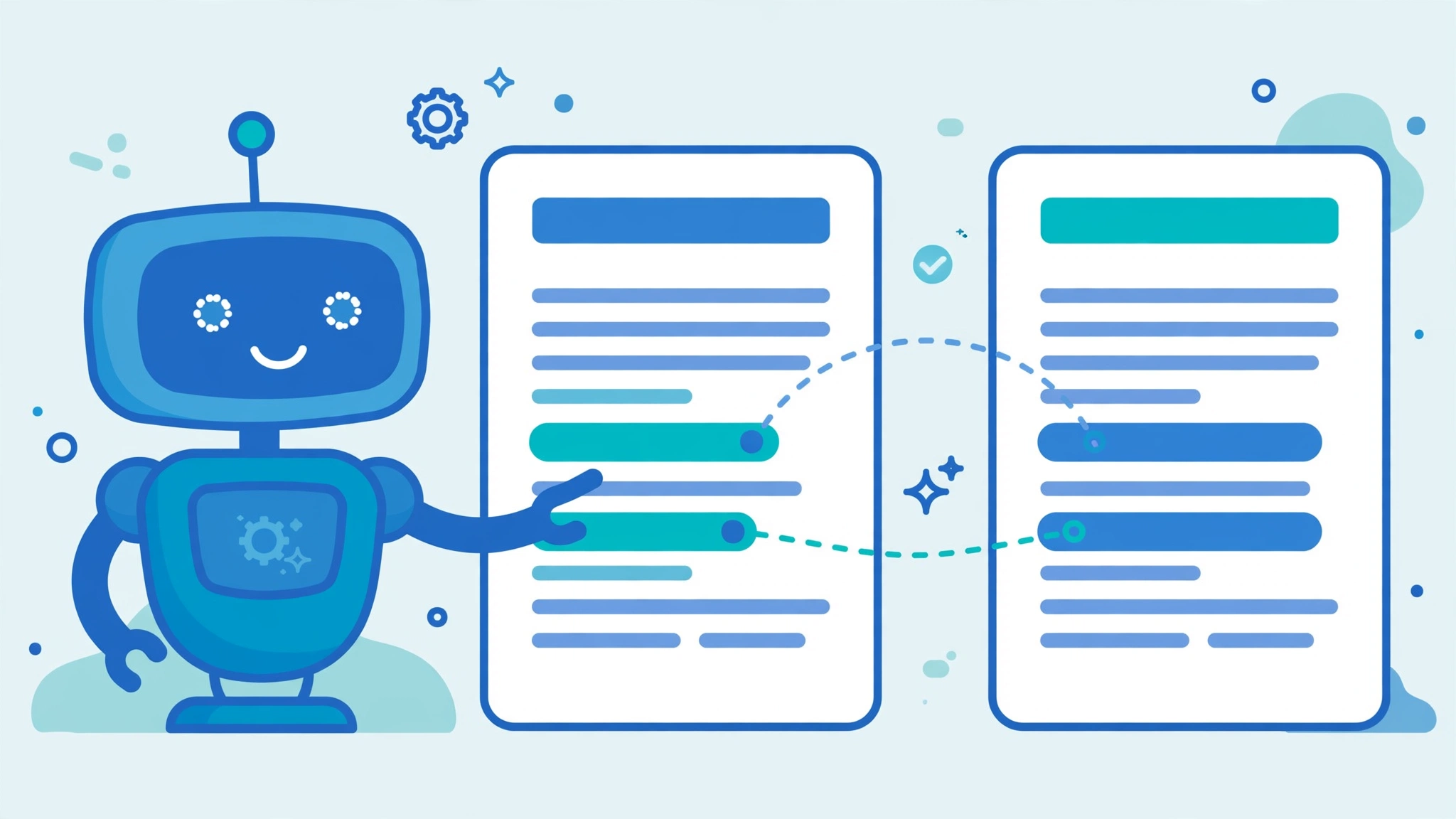
Template picked. Now the content. This workflow uses free ChatGPT or Gemini, costs nothing, and takes about an hour:
Step 1: Brain-dump your work history
Don’t write beautifully — just dump: every job, responsibility, and number you remember (team size, budget, percentages). AI is a decent editor but a terrible witness. Only you know what you actually did.
Step 2: Let AI structure it
“Turn these notes into resume bullet points. Start each with a strong action verb, include the numbers I provided, keep each under two lines. Do not invent facts, numbers, or skills not in my notes. Plain professional language — no buzzwords.”
Step 3: Tailor it to the job description
The step most people skip, and the one that matters most for ATS ranking. Copy the posting and use this:
“Here is my resume: [paste]. Here is the job description: [paste]. Which keywords from the posting are missing from my resume? Rewrite up to 5 bullets to include them naturally, without inventing experience I don’t have. List every change so I can verify it.”
Step 4: Verify every line yourself
AI confidently invents job titles, metrics, and skills. Read each line and ask: is this true? On a resume, an invented claim isn’t just sloppy — it’s an integrity problem. Can’t verify it? Delete it.
Step 5: Run the final check
Export, then do two things: (1) the copy-paste test on your PDF — confirm the reading order; (2) a Jobscan free scan against the posting (5 free scans/month) to catch missing keywords. Fix, re-export, done. Want a second opinion on how hiring software reads your file? Run it through a free ATS resume checker.
What If You Have 15+ Years of Experience?
Most ATS advice is written for three years of experience. Adjustments for long careers:
- Two pages is fine. A clean two-pager beats a cramped one-pager. (Novoresume’s free one-page limit is a real constraint here — Google Docs, Word, or FlowCV give you room.)
- Lead with a summary, not an objective. Three lines: years of experience, core expertise, one standout result.
- Trim anything older than 15 years unless directly relevant — it adds parsing noise.
- Don’t bury leadership. Team size, budget, and scope go in the first bullet of each role, not the last.

What If You’re Changing Careers?
- Use a hybrid format, not pure functional. Skills-with-no-timeline resumes parse poorly. Keep chronological work history; add a strong skills section up top.
- Translate old titles. “Managed a classroom of 30” becomes “Managed a team of 30; coordinated schedules and stakeholder communication.” Same truth, new keywords.
- Add a “Relevant Skills” section near the top with terms from target postings — this is where the Step 3 prompt earns its keep.
- Own the story in your summary: “Teacher of 8 years transitioning to instructional design; experienced in curriculum development and stakeholder training.” Recruiters respect clarity.
If You’re a Student or Fresher
No work history? You still have plenty to fill one page — you just lead with what you’ve got:
- Education goes first. Degree, school, graduation year, and GPA — but list the GPA only if it’s 3.5 or higher. Below that, it raises more questions than it answers.
- Projects and coursework become your experience section. A capstone project, an internship, freelance gigs, volunteer work — anything where you produced a result. Title them like jobs (“Marketing Intern”, “Capstone Project Lead”) and write the bullets the same way: action verb, what you did, the outcome.
- One page, no exceptions. Recruiters expect a single page from new graduates. If you’re stretching to fill it, add a “Relevant Coursework” line under Education and a “Technical Skills” section — not filler jobs from high school.
- Skills carry extra weight for you. Without a work history, the skills section does more of the talking. List the tools and technologies from your courses and projects using the exact terms employers post.
7 Mistakes That Get Your Resume Rejected by ATS
- Contact info in the header or footer. Many parsers skip these areas. Phone number goes in the body text or it may as well not exist.
- Two-column or sidebar layouts. The parser reads across the page and mashes your sidebar into your work history.
- Creative headings. “My Journey,” “Where I Shine” — the parser wants “Work Experience.” Be boring on purpose.
- Skill bars and icons. “Python ████████░░” parses as nothing. Write “Python — 4 years.”
- Image-based PDFs. If you can’t select the text with your cursor, neither can the ATS.
- Keyword stuffing. Hidden white-text keyword dumps get flagged by modern systems. Use keywords naturally or not at all.
- One resume for every job. A template gets you parsed; tailoring gets you ranked. Five tailored applications beat fifty identical ones.
FAQ: Free ATS Resume Templates
What is an ATS friendly resume template?
A simple, single-column layout designed so applicant tracking software reads it correctly — standard headings, common fonts, real text, and no tables, text boxes, graphics, or multi-column designs.
Which free resume template is best for ATS?
For most people: FlowCV’s free builder or Google Docs’ Swiss template — both genuinely free to download, single-column, and parse cleanly. For large corporations, Jobscan’s free Word templates pair well with its free resume scanner.
Is a Google Docs resume template really ATS-friendly?
Some are. Docs includes five built-ins — Swiss, Serif, Coral, Spearmint, Modern Writer. All five built-ins I opened were single-column — Swiss and Serif are the cleanest; Coral and Spearmint add color but keep a linear, parser-safe structure. Pick Swiss, export as PDF or DOCX.
Can I use Canva for my resume if the company uses ATS?
With caution. Most Canva templates use graphics, icons, and multi-column text boxes that parsers read badly. Choose the plainest template and run the copy-paste test on your exported PDF before applying.
Should I send my resume as PDF or DOCX?
Either works if the file has real, selectable text. PDF preserves formatting; DOCX suits older ATS pipelines. Follow the posting’s instructions — and never send a scanned image of your resume.
Are Novoresume’s templates really free?
Advertised as eight of sixteen after the company’s October 2026 ATS rebuild — but when I browsed the gallery, only a couple were actually marked Free, and every template demanded signup before showing the editor. The free tier covers a one-page resume — fine for students and early-career seekers; longer resumes need a paid plan.
Complete the Package for Free
Your resume is only one file in the application. Three free companions round it out:
- A matching cover letter. Use the same font and header so both documents look like a set. Our free AI cover letter generator guide walks you through building one that does not sound like a robot wrote it.
- A reference page. Same header, “References” as the title, three to four contacts with name, title, company, phone, and email. Bring it to the interview; do not send it with the application.
- An action-verbs list. Keep a running list of strong verbs (spearheaded, streamlined, negotiated) and swap them into your bullets so “responsible for” never appears twice.
The Bottom Line
If I were starting a job search today: FlowCV for the nicest free builder, Google Docs Swiss for zero friction, or Jobscan’s templates for big corporations. Then I’d put the real effort into content — honest bullets, real numbers, tailored keywords. The template gets you read; the content gets you hired.
Don’t overthink the template. A plain resume with strong, truthful content beats a beautiful one the software can’t read, every time. Build it, test the export, tailor per application — then move on to what actually gets jobs: interviews. When your resume starts landing those, practice with free AI mock interview tools before the real thing.
Pair every resume with a tailored cover letter — ten minutes with a free AI generator, and it separates you from every applicant who skipped it.
Get One Useful AI Tool Tip Every Week
One practical AI tool tip in your inbox every week. No spam, unsubscribe anytime.

We’re the team behind ToolsAxis. We hands-on test free AI tools for job seekers — signing up for free plans, taking real screenshots, and fact-checking every claim before publishing. Our guides cover resumes, ATS optimization, interview prep, and LinkedIn.
Enjoying ToolsAxis guides?
Add us as a Preferred Source on Google — you'll see our latest tools and guides first in Search, Top Stories, and AI Overviews.