
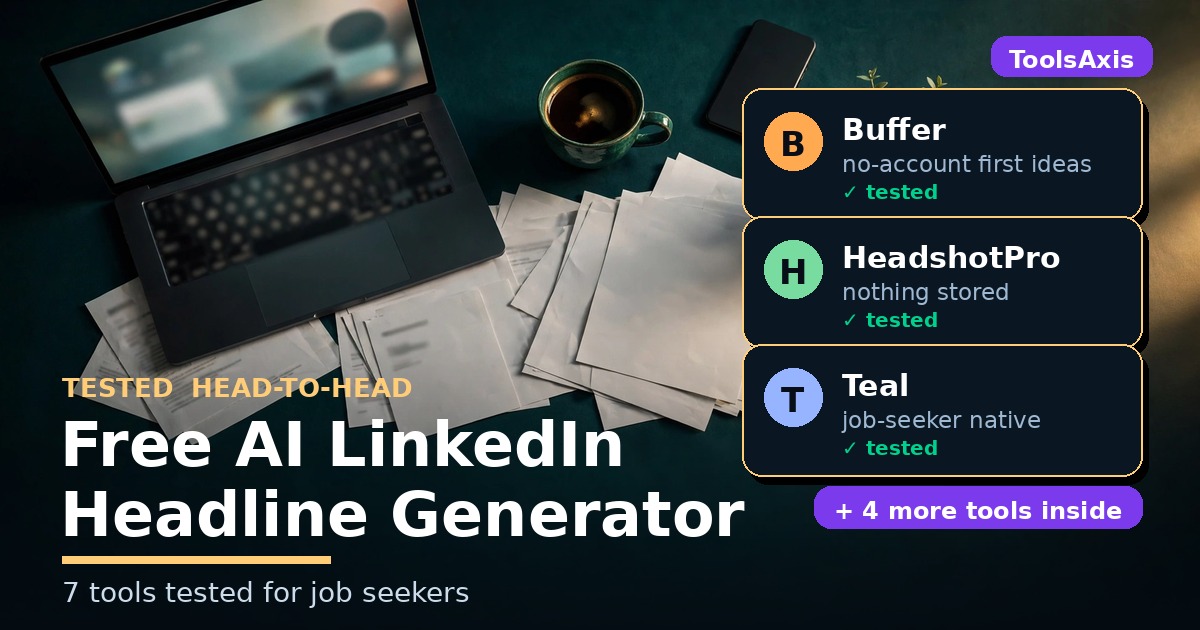
Free AI LinkedIn Headline Generator: 7 Tools Tested for Job Seekers
LinkedIn has started rolling out AI that finds you before you start applying — its Hiring Pro tool invites candidates to apply on its own. Your profile is becoming data that AI chews on to decide where you fit, and the first bite it takes is your headline — which is exactly why I tested 7 free AI LinkedIn headline generator tools head-to-head.
The short answer: the best free AI LinkedIn headline generator depends on your need. HeadshotPro is the most private truly-free option (no account, no email, nothing stored). Teal suits job seekers already managing applications there. Free ChatGPT, Gemini, or Claude with a good prompt give the most control — with the right privacy settings. I ran the same brief through all 7 and scored every output below.
In this guide you’ll find:
- 7 free AI LinkedIn headline generators, each actually tested
- What “free” really means for each: credits, limits, signup walls
- Privacy check: which tools train AI on your resume, and which don’t
- 8 headline formulas + 20 original examples, and how LinkedIn search reads them
TL;DR
- 220 characters allowed, but phones show ~65–70. Put your target job title in the first 60. Always.
- LinkedIn’s recruiter search scans your headline for exact keywords. “Data Analyst” beats “data wizard” every time.
- HeadshotPro = best no-signup option (nothing stored). Teal = best if you already track applications there. Chatbots = best outputs with the right prompt and privacy settings.
- Check a tool’s privacy page before pasting your resume into it — the table below shows which ones train AI on your data.

How we tested
I ran the same brief through every tool reachable without an account: “Ayesha Rahman — Data Analyst, 3 years, SQL + Tableau + Python, targeting remote Data Analyst roles at SaaS companies” (a fictional test persona). Scored 1–5 on keywords, length, front-loading, specificity, buzzwords, and paste-readiness. Zero accounts created. Facts checked against official pages, October 2026.
The 7 best free AI LinkedIn headline generators, tested
1. Buffer — the one Google ranks #1
Buffer’s free headline generator currently tops Google for this exact search. Enter your role, industry, a few skills, your audience, and tone — the first batch of ideas arrives with no account required. I used it fully without signing up; the page mentions up to five suggestion sets per day with a free account.
Each idea comes with a mini “why this works” rationale and a character counter — the most explained output I tested. The catch: the phrasing leaned corporate-safe (“Unlocking Business Intelligence”) — fine, but forgettable. Honest gap: I couldn’t verify Buffer’s data-use policy for the free tool, so don’t paste your full work history there until you’ve checked.
Best for: a fast first draft with zero signup.
Watch out for: 5-sets-per-day cap behind the free account; tool privacy policy unverified.
Try Buffer’s free LinkedIn headline generator
2. HeadshotPro — the most private free option
HeadshotPro is known for AI headshots, but their headline generator is a quiet gem: 100% free, no account, no email, no limit on runs — their FAQ’s words. You upload your resume as a PDF (up to 10 MB); ~30 seconds later you get headline options built from your actual experience. The privacy line is the strongest I found anywhere: “Nothing is stored.”
One honest wrinkle from my test: the resume-upload button wasn’t reachable from my test setup, so I used the page’s manual-entry path instead — and those outputs were the most generic I tested (two of three didn’t even front-load the job title). The upload workflow is probably better; I just can’t verify that from here. Tradeoff remains: styles skew professional, not creative.
Best for: privacy-conscious job seekers who’d rather upload a resume than fill out forms.
Watch out for: needs a PDF resume; outputs play it safe.
Try HeadshotPro’s free LinkedIn headline generator
3. Teal — the job-seeker’s all-rounder
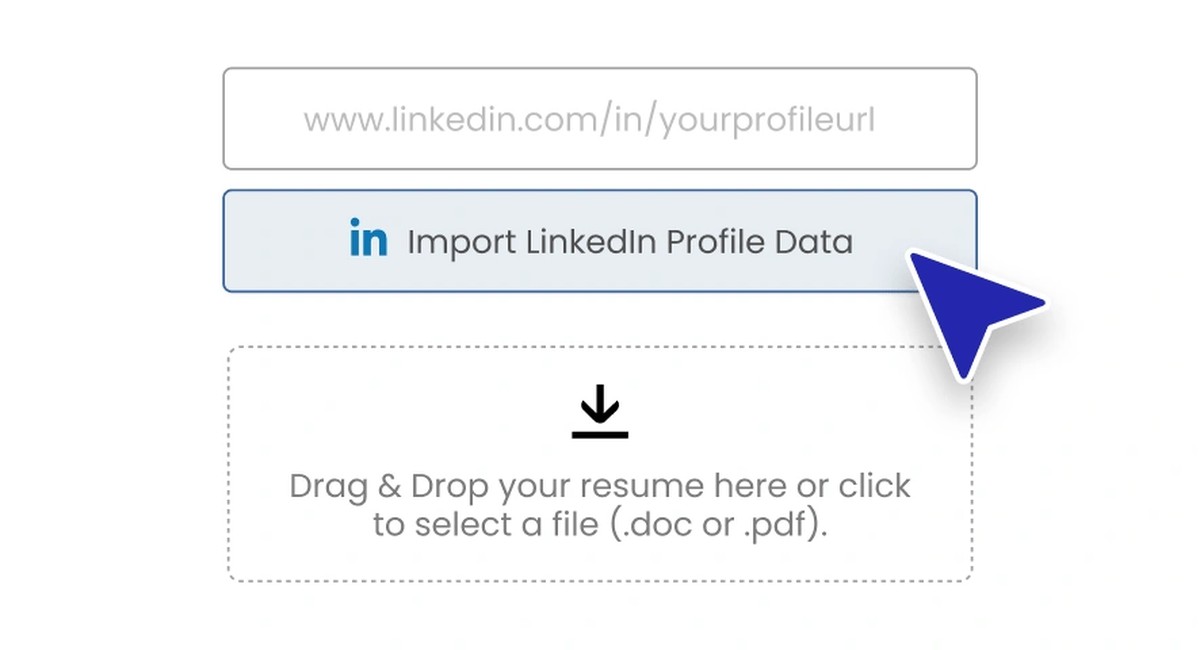
Teal is the only tool here built specifically for job hunters. Its generator pulls from your resume, a pasted LinkedIn URL, or typed details, then generates options in one click. Free forever, no credit card — though AI features run on limited free AI credits ($13/week removes the limits).
Two standouts: the terms state Teal does not use your resume to train AI models for other customers — a real no-training pledge. And Teal’s published headline formula is worth stealing regardless: title you’re targeting | skill 1 | skill 2 | skill 3 | mini-pitch (“I help X do Y”).
Needs a free account first — a no-brainer if you already track applications there (see my tracker roundup).
Best for: active job seekers already in Teal’s ecosystem.
Watch out for: signup required; limited free AI credits.
Try Teal’s LinkedIn headline generator

4. Seekario — the full-profile builder
Seekario builds your whole LinkedIn presence — headline, About, skills — from your uploaded resume. Styles include Professional, Storytelling, Achievement-Oriented, and Keyword-Rich; Seekario’s guidance says the last two attract recruiters best, which matches how search works.
The free tier gives 5 free AI credits, no card — each major AI action burns one. Enough for a headline plus an About section, but they’re one-time, so spend deliberately. After that: $39/month or $79/quarter. Honest caveat: I couldn’t verify Seekario’s data-use policy — check their privacy page before uploading.
Best for: getting headline + About + skills done in one sitting.
Watch out for: exactly 5 free credits, then paywall; privacy policy unverified.
Try Seekario’s AI LinkedIn profile builder
5. ChatGPT — the most control, if you prompt it right
The best “headline generator” may be the chatbot you already have — a good prompt beats a mediocre tool because you can iterate until it sounds like you. The prompt I tested with (steal it):
“Write 5 LinkedIn headline options for a Data Analyst with 3 years of experience in SQL, Tableau, and Python, targeting remote Data Analyst roles at SaaS companies. Each headline must be under 220 characters, put ‘Data Analyst’ in the first 60 characters, include at least 3 of these keywords: SQL, Tableau, Python, SaaS, dashboards. No buzzwords like ‘guru’, ‘ninja’, ‘passionate’, or ‘results-driven’. Plain text, one per line.”
ChatGPT’s outputs were the most varied I tested — and the most in need of an editor: precise instructions nailed keyword placement, but left alone it loves a buzzword.
Privacy matters more than the prompt: free-tier training (“improve the model for everyone”) is on by default — opt out in Settings → Data controls, or use a Temporary Chat (not saved, deleted after 30 days). Good news from my test: guest/no-login access worked end-to-end with zero login gate. Paid plans (Go, Plus, Pro) vary by country.
Best for: tinkerers who want unlimited iterations.
Watch out for: training opt-out is off by default; outputs need editing.
Open ChatGPT

6. Gemini — the safest free chatbot for resume details
Gemini earned its spot on privacy: in a Temporary Chat (or with Keep Activity off), your conversation is kept 72 hours and not used to train Google’s models — from Google’s official Privacy Hub. Caution: submitting feedback on a response can get that chat human-reviewed and kept up to 3 years. Get your headlines, don’t rate them, move on.
Output quality was solid on the same prompt — but noticeably terser and more templated than ChatGPT’s: keyword-dense, minimal filler, all five following near-identical patterns. Good keyword discipline, same need for a human pass. Google account required; no guest mode found.
Best for: pasting real resume details into a chatbot.
Watch out for: Google account required; don’t submit feedback on sensitive chats.
Open Gemini
7. Claude — great writer, check the privacy toggle
Claude writes the most natural-sounding headlines of the three chatbots. But since August 2025, consumer plans may be used to train models by default — opt out at Settings → Privacy → “Help improve Claude” OFF, or use Incognito (not saved, not trained). Safety-flagged chats can still be human-reviewed and kept up to 2 years.
Transparency note: I couldn’t reach Claude’s free tier without signing in, so I’m saying so plainly instead of pretending I ran it live.
Best for: the most human-sounding first draft.
Watch out for: training on by default — toggle off or go Incognito; sign-in required.
Open Claude
Free-tier truth table
What “free” actually means, from each tool’s official pages:
| Tool | Truly free? | Signup? | The catch |
|---|---|---|---|
| Buffer | First ideas free | No, first batch | 5 sets/day behind free account |
| HeadshotPro | 100% free, unlimited | No | Needs a PDF resume upload |
| Teal | Free forever | Yes | Limited AI credits; $13/wk removes limits |
| Seekario | 5 free AI credits | Yes | Then $39/mo or $79/quarter |
| ChatGPT | Free tier | No-login rolling out | Training on by default; free chats may show ads |
| Gemini | Free tier | Google account | Use Temporary Chat for privacy |
| Claude | Free tier | Yes | Training on by default; use Incognito |
Privacy comparison
Who trains AI on your career details, per each tool’s own pages:
| Tool | Trains AI on your data? | What to do |
|---|---|---|
| HeadshotPro | No — “Nothing is stored” | Upload freely |
| Teal | No — no-training pledge in Terms | Upload freely; review outputs before use |
| Buffer | Unverified | Don’t paste your full resume until checked |
| Seekario | Unverified | Don’t upload until checked |
| ChatGPT | Yes, by default | Opt out in Settings, or use Temporary Chat |
| Gemini | No, in Temporary Chat | Use Temporary Chat; skip feedback on sensitive chats |
| Claude | Yes, by default | Toggle “Help improve Claude” OFF, or Incognito |
My test scores: same brief, 7 tools
Each output scored 1–5 on keywords, length, front-loading, specificity, buzzwords, and paste-readiness:
- ChatGPT 4.6/5 — no login; followed every constraint; light editing needed.
- Keywords Everywhere 4.6/5 (bonus) — 8 strong outputs; its scorer gave all 32/100, ignore it.
- Gemini 4.5/5 — terse, keyword-dense, templated; needs a human pass.
- Buffer 4.1/5 — no signup; rationales + char counts; generic phrasing.
- HeadshotPro 3.2/5 — no signup; manual path only; most generic outputs.
*Teal, Seekario: account required, not live-tested. Claude: sign-in wall.*

How LinkedIn search actually reads your headline
- Recruiters search with a Keywords filter that scans your whole profile — headline included — with Boolean support. AND, OR, NOT, quotes, and parentheses all work against your headline text. (Leonar’s 2026 LinkedIn Recruiter filter reference)
- Use exact phrases — never paraphrase standard terms. Recruiters search the literal title “Data Analyst,” not your creative reinterpretation. (OneResume.ai)
- 220 characters allowed, ~65–70 shown on phones, ~100–120 on desktop. Put your target title in the first 60 characters. (Keywords Everywhere FAQ)
- Your headline may differ from your job title — the title says what you’re called; the headline should say what you do for others. (LinkedIn help, via Taplio’s 2026 guide)
8 headline formulas that work (with 20 examples)

Formula 1: Role-first keyword stack
Target Title | Skill 1 | Skill 2 | Skill 3 — matches how the Keywords filter scans left to right.
- Data Analyst | SQL, Tableau, Python | Turning messy data into decisions SaaS teams act on
- Frontend Developer | React, TypeScript, Accessibility | Building interfaces users never complain about
Formula 2: Role + mini-pitch
Title you’re targeting | Skill 1 | Skill 2 | Skill 3 | “I help X do Y” — Teal’s official formula.
- Product Manager | B2B SaaS, Roadmaps, A/B Testing | I turn user complaints into shipped features
- Business Analyst | SQL, Requirements, Stakeholder Mgmt | I translate business chaos into buildable specs
- AI Consultant | Workflow Automation, Chatbots | I help small teams do the work of ten
Formula 3: Outcome-first
Lead with the value, end with the role. For the click, not just the match.
- Helping mid-market RevOps teams hit number without hiring | Account Executive
- Making complex products feel simple | UX Designer | Figma, Design Systems, User Research
- Writing the posts your buyers actually finish | Content Marketer | B2B Blog, SEO, Distribution
- Turning frustrated users into loyal ones, one ticket at a time | Customer Support Specialist
Formula 4: Proof-anchored
Role plus one real metric. Numbers are the fastest credibility signal here.
- Backend Software Engineer | Python, PostgreSQL, AWS | 6 yrs building APIs handling 10M requests/day
- Digital Marketing Manager | SEO, Paid Social, Email | Grew organic pipeline 3x without growing the budget
- Registered Nurse | ICU, Epic EHR | 8 yrs keeping critical-care patients safe
Formula 5: Availability signal
Pair with LinkedIn’s Open to Work setting — recruiters filter on it.
- Open to Data Analyst Roles | SQL, Tableau & Python for SaaS
- Open to SDR Roles | Cold Outreach, Salesforce | 120+ qualified meetings booked last year
- Recent CS Graduate | Python, React, Git | Open to Junior Developer Roles
Formula 6: Pick your angle
Keyword-rich (get found), results-led (consultants), value-led (marketers), role-led (corporate), personality (memorable).
- SEO Specialist | Technical SEO, Content Strategy, Site Audits (keyword-rich)
- Accountant | CPA, Month-End Close, NetSuite | Keeping the books clean so founders sleep well (personality)
Formula 7: I-help templates
Adapted from Grammarly’s three templates.
- I’m a Project Manager who helps remote teams ship on time across 4 time zones | Agile, Jira, PMP
- Customer Success, driving retention in B2B SaaS | Onboarding, QBRs, Expansion
Formula 8: Career-switch bridge
Lead with the target function, add one bridge keyword. Never lead with the old identity.
- Instructional Designer | Former K-12 Teacher | Articulate Storyline, LMS Rollouts, Curriculum Builds
- Data Annotator | RLHF, Image & Text Labeling | Open to AI Training Roles | 99.2% QA pass rate across 50K labels
Underneath all 20: exact title first, proof second, personality third.
FAQ: what job seekers ask about AI headline generators
Is there a completely free LinkedIn headline generator with no signup?
Yes — HeadshotPro: no account, no email, no run limits (upload a PDF; nothing stored). Buffer gives a first batch of ideas with no account.
Do recruiters actually search headlines?
Yes. LinkedIn Recruiter’s Keywords filter scans your whole profile including the headline, with Boolean support. Include the literal title you’re targeting, not a creative synonym.
Is it safe to upload my resume to a free AI headline tool?
Check first. HeadshotPro: “nothing is stored.” Teal: no-training pledge in its terms. Buffer and Seekario: policy unverified — check their privacy pages. Chatbots: Temporary Chat (ChatGPT/Gemini) or Incognito (Claude).
How long should my LinkedIn headline be?
220 characters allowed; phones show ~65–70, desktop ~100–120. Front-load your target title and top keyword in the first 60 characters.
The verdict: which one should you actually use?

- 30 seconds, zero signup, zero privacy worry? HeadshotPro.
- Already tracking applications in Teal? Use their generator.
- Maximum control? Gemini in a Temporary Chat with the prompt from section 5.
- Career pivot? Seekario’s 5 free credits cover a headline plus an About section.
- Quick first draft? Buffer’s no-account first batch.
Last updated: October 23, 2026. Details verified against official pages in October 2026 — terms change, so trust each tool’s current page over this article and let us know if you spot a difference.

We’re the team behind ToolsAxis. We hands-on test free AI tools for job seekers — signing up for free plans, taking real screenshots, and fact-checking every claim before publishing. Our guides cover resumes, ATS optimization, interview prep, and LinkedIn.
Enjoying ToolsAxis guides?
Add us as a Preferred Source on Google — you'll see our latest tools and guides first in Search, Top Stories, and AI Overviews.