
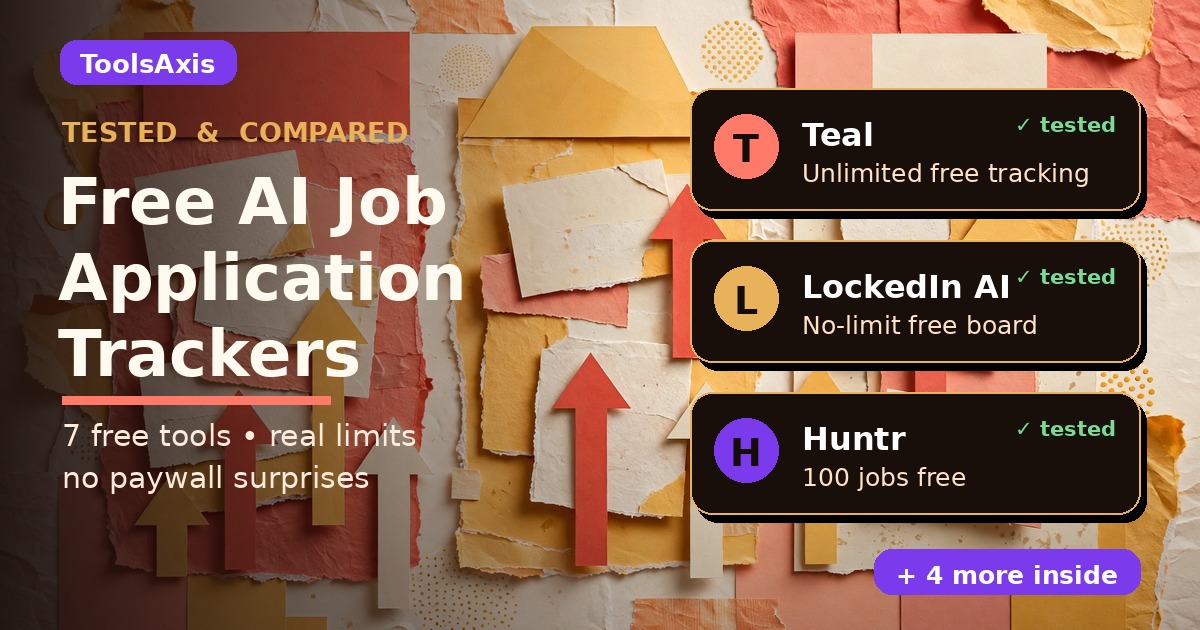
A free AI job application tracker keeps every application in one organized pipeline — company, role, status, follow-ups — so nothing slips through the cracks. I checked seven tools that make this claim on October 20, 2026: three are genuinely free with no paywall on tracking itself (Teal, LockedIn AI, Aplyin), the rest need a signup first, and one famous name isn’t a tracker at all.
Timing couldn’t be better. This week at HR Tech 2026, PageUp launched a candidate-side AI agent that helps job seekers check fit before applying — and California rolled out an AI Skills Matching tool on CalCareers. After years of AI being built for recruiters, it’s finally being built for you. But the fancier the AI gets, the easier it is to lose track of where you applied and who owes you a reply. That’s the mess a tracker fixes.
In this guide you’ll find: 7 free trackers I personally checked — what each free tier actually includes, where the signup wall sits, the limits nobody advertises, a privacy comparison, a free spreadsheet template download, and my honest verdict on the 3 I’d use.

TL;DR:
- LockedIn AI — explicitly free, no limit on tracked jobs, pipeline board + follow-up reminders.
- Aplyin — “free forever, no premium tier.” Nothing exists to unlock.
- Teal — unlimited tracking free forever; only AI extras are capped.
- Every tool needs a free account — none work with zero signup.
- Skip EarnBetter for tracking — it’s a job-match tool now, not a tracker.
- In a hurry? Grab the free spreadsheet template below — no signup.
Why tracking matters more than ever
You apply to 23 jobs in two weeks. Three companies reply. One asks for “the resume you sent us” — and you have no idea which version that was. Another invites you to interview for a role you don’t remember applying to. A third goes silent, and you never follow up because you forgot they existed. That’s the job-search black hole.
It’s getting worse: UK employers got 141 applications per vacancy this year (ISE 2025), and 84% of job seekers have used AI in their search (Workday, October 2026). More applications out means more threads lost — unless you track them.

A tracker is your command center: every application logged when you find it, the job description saved (postings get taken down!), the exact resume version sent, the status, and — the part everyone forgets — a follow-up date. You don’t need to pay for any of this. Here’s what “free” really means at each tool.
How we tested
How we tested: on October 20, 2026 I read the official pricing, FAQ, and feature pages of all 8 tools (not the marketing headlines), walked each signup flow to find exactly where the account wall sits, compared free limits line by line, and read the privacy policies — because a tracker holds your resume and job history. I created no accounts and invented nothing; where I couldn’t verify something, I say so. We’re the ToolsAxis Team — we test free AI tools for job seekers.
The 7 tools at a glance
| Tool | Free tracking limit | Signup? | Standout | Catch |
|---|---|---|---|---|
| Teal | Unlimited jobs | Yes | 1-click save from 40+ boards, per-job checklists | AI extras capped |
| LockedIn AI | Unlimited jobs | Yes | Pipeline board, follow-up reminders, bottleneck insights | Smaller ecosystem |
| Aplyin | No stated limit | Yes (Google) | Free forever — no premium tier exists | Minimal: autofill + tracker only |
| Huntr | 100 jobs | Yes | Chrome clipper, map view, autofill | Advanced insights are Pro ($40/mo) |
| Landably | Full tracker free | Yes | 0–100 fit scores with written reasons | AI documents rationed monthly |
| Simplify | No published limit | Yes | Autofill + matches + tracker in one profile | Auto-apply is paid (Simplify+) |
| OwlApply | No stated cap | Yes | Resume-first flow, EU/GDPR privacy | Full AI features need Pro ($17.49/mo) |
1. Teal — unlimited free tracking, biggest ecosystem
Teal is the name you’ll hear most, and the hype is mostly earned. Its tracker page says it plainly: “Bookmark and track progress on unlimited jobs… all for free.” Verified on their pricing page: bookmarking, statuses, notes, goals, custom checklists, contact/company tracking, and 40+ follow-up email templates carry no job limit and no time limit.

The catch is in the AI extras, not the tracking: 10 resume templates, only the top 5 job-description keywords per role, and rationed AI credits (10 for resume bullets, 2 for summaries, 2 for cover letters). Teal+ ($13/week, $29/30 days, $79/90 days) lifts those caps — but you never need it just to track. You’ll need a free account plus their Chrome extension for 1-click saving from 40+ job boards.
Privacy: Teal doesn’t sell your data, but its policy (updated August 2026) says career content “may be used to improve our AI models and services in an anonymized and aggregated form.” If that bothers you, Landably below is stricter.
Best for: high-volume appliers who want tracking plus resume tailoring and follow-up templates in one free place.
2. Landably — fit scores that explain why
Landably won me over with honesty: “Start free with real limits, not a demo.” The free plan includes unlimited scored matches and the full tracker, plus a monthly AI allowance (5 cover letters, 3 tailored resumes, 5 tip sets, 3 interview prep sessions per 30 days). Pro ($25/month) mainly removes the AI rationing.
The difference: every posting gets a 0–100 fit score with written reasons, and the tracker shows response rates by source so you see where replies actually come from. I also respect their stance: no auto-apply bots — they argue tailored applications convert far better and mass-applying gets accounts flagged. Free signup, no card — but nothing works until you’ve added a resume.
Privacy: the strongest I found — “Is my resume used to train AI models?” “No. Your data is never used for training, and you can export or delete it any time.”
Best for: thoughtful appliers who’d rather send 10 well-matched applications than 100 random ones.
3. Huntr — the kanban classic, 100 jobs free
Huntr is the original visual tracker — the kanban board everyone copied. Free gives you 100 tracked jobs, basic Job Insights, the Chrome Job Clipper, Map View, unlimited contacts and autofills, 2 tailored resumes, and 100 document uploads. For most seekers, 100 applications is plenty.

Advanced insights and unlimited tracking need Pro ($40/month, $90/quarter, $160/biannual) — steep, but the free tier stands alone. Account required; privacy is middling (no sale of data, but no explicit no-training statement).
Best for: visual thinkers who love a drag-and-drop board, and anyone who wants tracker + autofill free in one place.
4. OwlApply — resume-first, EU-grade privacy
OwlApply starts from your resume: build it once (50+ templates), and it flows into their job board, a Chrome extension that scores each posting against your resume, and autofill that never auto-submits. Free includes the tracker and follow-up messages (no stated cap) plus 10 autofills a month; Pro ($17.49/month) unlocks the full AI report and unlimited autofill.
Nice touch: their ATS resume checker works with no signup at all (we compared free ATS checkers here). Built by a Finnish company under GDPR — EU servers, no AI training on your data, self-serve deletion.
Best for: resume-focused seekers who want tracking woven into the whole flow, and anyone who likes GDPR-grade defaults.
5. LockedIn AI — the “no limit” free tracker
LockedIn AI makes the boldest free claim here, verified on their official page: “There is no limit. Add as many applications as your job search requires.” No paid tier is even mentioned on the tracker page.
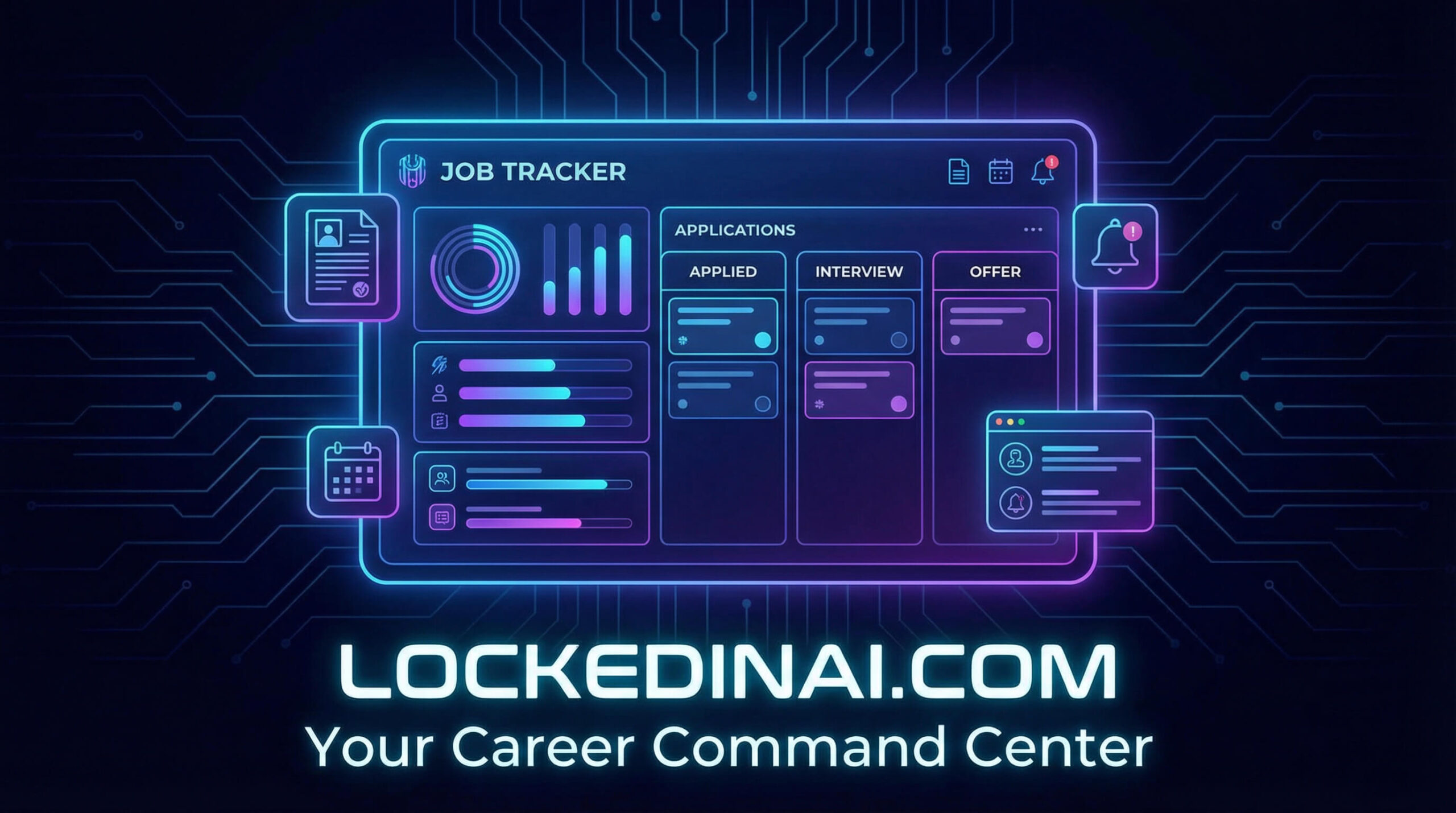
Free includes a pipeline board, one-click status updates, follow-up reminders, resume-version linking (which exact resume went to which company — the black-hole killer), retroactive backdating, and AI bottleneck insights showing whether your problem is applications, interviews, or follow-ups. Free account required; privacy is solid (data processed by service providers only, full deletion in settings).
Best for: anyone who wants maximum free tracker with minimum asterisks.
6. Aplyin — free forever, nothing to sell you
Aplyin is the smallest tool here and the most honest: “Free forever. No premium tier, no credit card, nothing to unlock.” No paywall exists because there’s no paid plan. It does two things: a Chrome extension that autofills forms (LinkedIn, Greenhouse, Lever, any board) and a kanban tracker. It even warns you that autofill “only speeds up the mechanical part of applying. Nothing more.”
Signup is a seconds-long Google login; privacy is refreshingly specific — personal data is “never sent to the AI,” never shared, and account deletion removes everything “permanently and immediately.” Note: Aplyin publishes no product screenshots, so there’s no image here — I’d rather show nothing than a fake mockup.
Best for: minimalists who want autofill + a clean board with zero upsell energy.
7. Simplify — matches, autofill, and tracker in one profile
Simplify is the all-in-one: job matches, one-click autofill, per-role resume tailoring, and tracked history in a single profile (plus a mobile app). “Simplify is free for job seekers — matches, autofill, and the tracker included.” No published hard limit on the free tracker; the paid Simplify+ tier adds auto-apply agent features.

My honest take on auto-apply: tempting when you’re exhausted, but tailored applications convert far better and mass-applying can get you flagged. Simplify’s free tier gives a careful job seeker everything needed. One profile signup required (their Copilot extension is optional); privacy is decent (no sale of data, export/delete anytime) with no explicit AI-training statement.
Best for: seekers who want one home base — find, tailor, apply, and track. (Pair it with a stronger resume via our free AI resume builder tests.) For the matching side, I also tested 7 free AI job recommendation tools that score your resume against real listings.
What I left out (and why)
EarnBetter appears on “best tracker” lists, but earnbetter.com is now “Earn Better by EarnIn” — free job matches, resume help, and interview prep inside the EarnIn app. I found no tracker board documented anywhere. Decent companion; not a tracker. It’s out. Landably also publishes no downloadable product images (JS-rendered site), so that section is imageless for the same no-fake-mockups reason.
Don’t want another app? Download the free spreadsheet
The best tracker is the one you’ll actually update. If a seventh account sounds exhausting, start with a spreadsheet today — a spreadsheet you update beats an app you abandon.

⬇ Download the free tracker template (CSV)
Opens in Excel, Google Sheets, or Apple Numbers. No signup — it’s just a file.
Key columns: Company, Job Title, Job Link, Job Description Saved (Y/N — save the JD the day you apply; postings get taken down), Resume Version Sent, Date Applied, Source, Status, Follow-up Date, Contact, Salary Range, Notes. Two rules: log the job when you find it, not after you apply, and set the follow-up date the moment you apply — one week out, every time.
Your 15-minute setup (do this today)

- Pick ONE tracker (5 min). Overwhelmed? Take LockedIn AI’s no-limit board, or the spreadsheet above. Done beats perfect.
- Log your last 10 applications (7 min). Company, role, date, status — guess where you must. Partial data beats a blank slate.
- Set 3 follow-up dates (3 min). Anything older than a week with no reply gets a follow-up this week.
Verdict: which one should you pick?
- Most free, fewest asterisks? → LockedIn AI.
- Distrust upsells? → Aplyin — no premium tier exists.
- High volume, want it all in one place? → Teal.
- Privacy first? → Landably (no-training promise) or OwlApply (GDPR).
- One home base for everything? → Simplify.
- Love a visual kanban, under 100 jobs? → Huntr.
If I were job hunting tomorrow: LockedIn AI’s free board for tracking, Teal’s free tier alongside for tailoring and checklists. Zero dollars, every application accounted for. Pair them with sharper materials — tailor each resume with free AI, find the right keywords, and write a human-sounding cover letter. The tracker handles organization; those handle the “yes.”
Frequently asked questions
What is the best free AI job application tracker?
LockedIn AI for most seekers — no limit on tracked jobs, pipeline board, follow-up reminders, bottleneck insights. Teal is the best all-rounder; Aplyin the most honestly free.
Do I need to pay for Teal’s job tracker?
No — Teal’s pricing page confirms unlimited tracking is free forever. Teal+ (from $13/week) only unlocks AI extras like unlimited keyword matching and extra writing credits.
Can I track applications without signing up?
Not with the apps — all seven need a free account. For zero signup, use the free spreadsheet template in this guide.
Is Huntr really free?
Yes, up to 100 tracked jobs with the clipper, map view, and autofills. Advanced insights and unlimited tracking need Pro ($40/month).
Will these trackers apply to jobs for me?
Most won’t — and that’s good. Simplify keeps auto-apply behind paid Simplify+, and Landably refuses it entirely, arguing tailored applications convert far better. A tracker that organizes your applications beats a bot that spams them.
Last updated: October 20, 2026. Free-tier details verified against official pricing/FAQ pages on October 20, 2026 — plans change, so tell us if you spot something outdated and we’ll fix it.
Three numbers to run every month — this is where a tracker actually earns its keep
A tracker that just counts applications is a glorified diary. The real value starts when you calculate three conversion numbers once a month. I do it on the last Friday of every month, coffee in hand, and it takes about twenty minutes.
Response rate = applications that got any reply ÷ total applications. A low number here almost always points at your resume or your targeting — not your tracker.
Interview rate = applications that led to interviews ÷ total applications. Compare this one by source: if LinkedIn applications convert and company-portal ones never do, that’s your signal to shift your effort.
Offer rate = offers ÷ interviews. When this one is low, the problem isn’t your application volume at all — it’s interview prep.
Why bother? Because job searches run longer than anyone plans. Bureau of Labor Statistics data for September 2026 (Table A-12, quoted in JobsAICopilot’s tracker roundup at jobsaicopilot.com/best-job-application-trackers/) puts the median U.S. job search at 11.5 weeks — nearly three months of applications, contacts, and interview dates blurring together. A tracker you never measure is just a list; a tracker you measure monthly tells you exactly which lever to pull: the titles you target, the resume, or how you prepare for interviews. Change one thing at a time and watch next month’s numbers.
(Formulas and BLS 11.5-week figure verified on jobsaicopilot.com/best-job-application-trackers/.)

We’re the team behind ToolsAxis. We hands-on test free AI tools for job seekers — signing up for free plans, taking real screenshots, and fact-checking every claim before publishing. Our guides cover resumes, ATS optimization, interview prep, and LinkedIn.
Enjoying ToolsAxis guides?
Add us as a Preferred Source on Google — you'll see our latest tools and guides first in Search, Top Stories, and AI Overviews.